
By Default:
To configure the languages on the bubble, you need to activate this service by default:
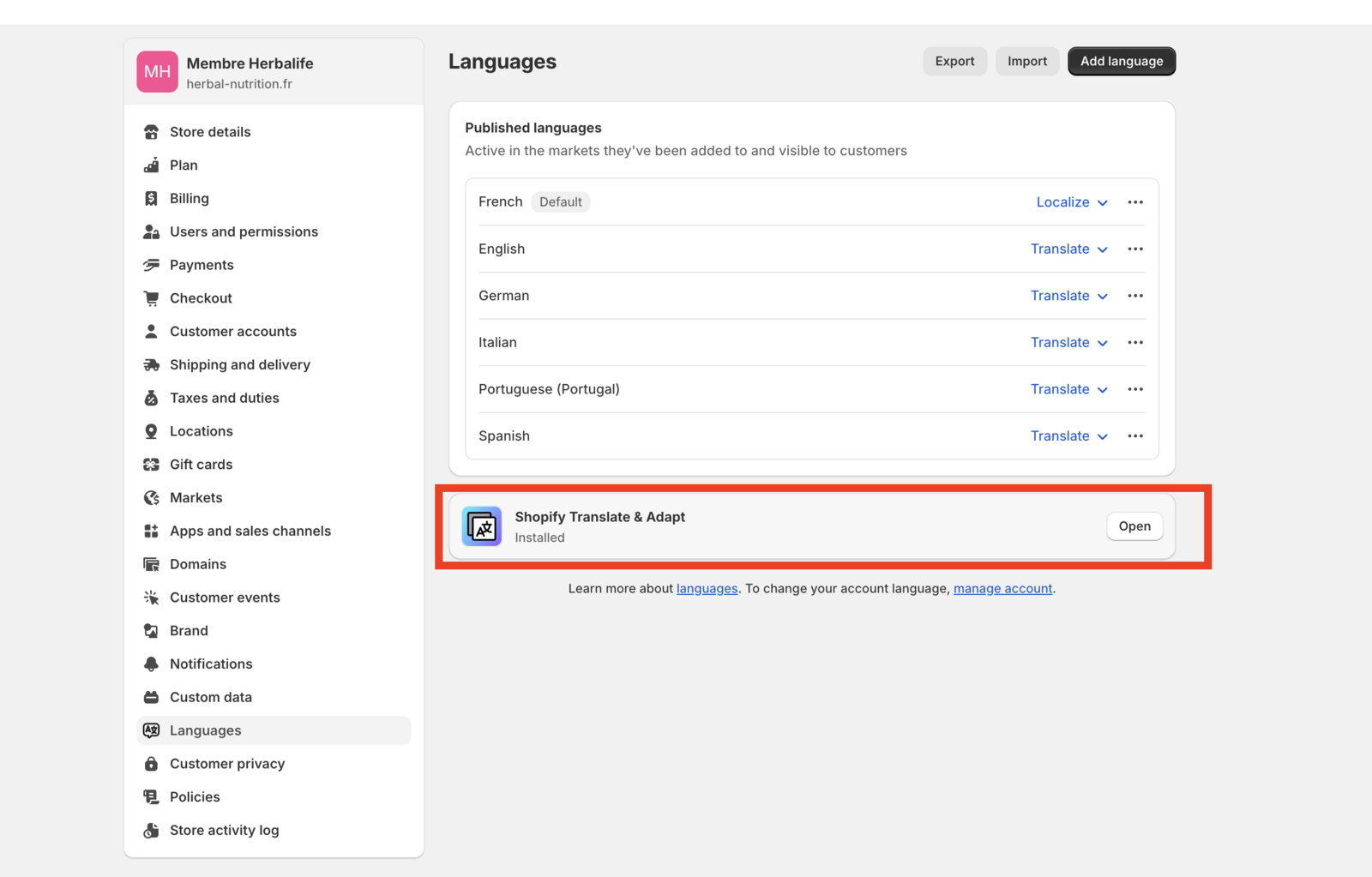
If you are using Weglot
You don't need to activate the plugin from the previous step, this is important!
The Weglot translation mechanism works as follows:
It scans the original content of your online website (HTML file).
After the scan, Weglot analyzes (reads and segments) the elements between the HTML tags.
It automatically translates this original content into its translated equivalent. It also reuses the translations already present in your translation list if some content has already been translated.
If content is not in the translation list, Weglot will translate it and add it to your translation list available in your Weglot dashboard.
To translate the bubble:
Log in to Weglot,
Add the selector "#coco-body" to the list of dynamic elements in the Weglot dashboard,
Thus, the translations of this widget are now available in the translation list of the Weglot project for this site.
Here’s how to add the #coco-body selector:
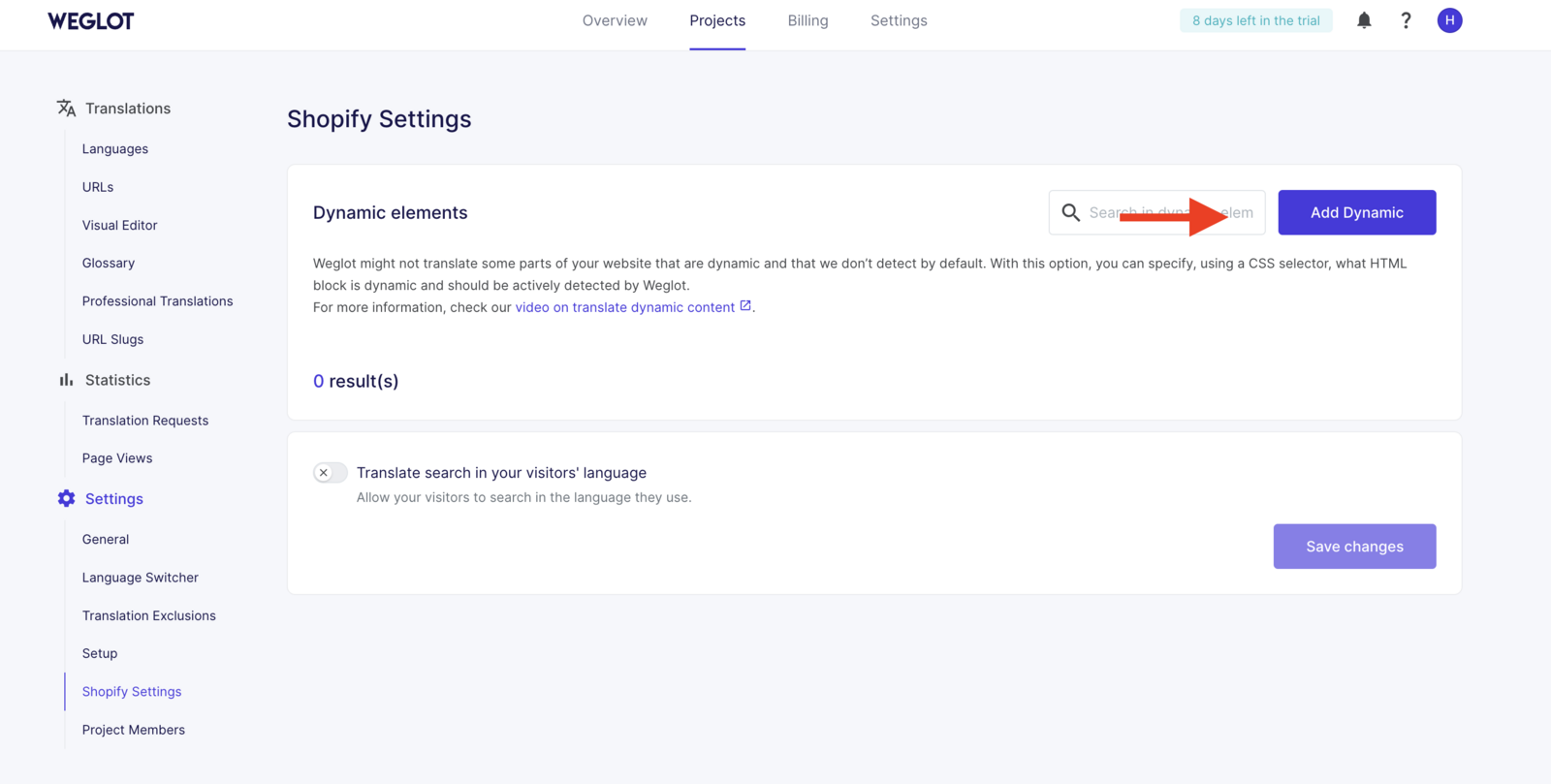
Then, staying in Projects and clicking on Languages and the language to translate, you will need to make the translation directly there.
Updated on: 02/07/2025